Can a catfish appear on live video?
Yes. A live call reduces some risk, but it does not prove identity by itself. People can use filters, old clips, partial camera angles, or excuses to avoid real-time verification.

 Chamet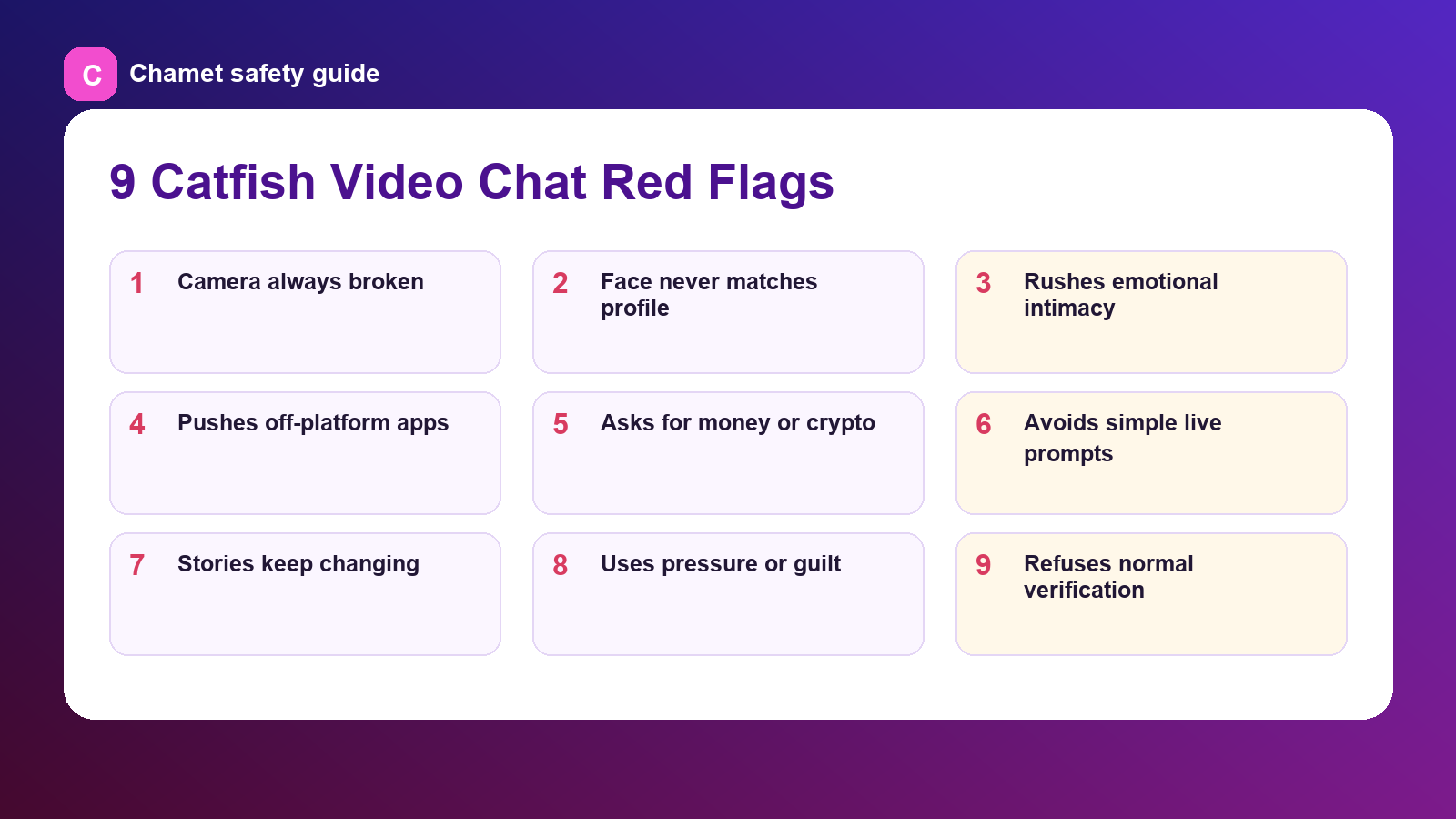
A catfish video chat usually begins with a mismatch: the person wants the trust of a live call without giving you the normal proof a live call should provide. They may keep the camera off, show only a partial face, use old clips, blame connection issues, or make the conversation emotional before you can verify who they are.
The safest mindset is simple: a live video chat is not proof by itself. It is one signal. Real trust comes from consistency across profile details, live behavior, timing, boundaries, and how the person reacts when you slow things down.
If you want a safety-first route for meeting people online, keep this guide next to Safe Video Chat | Chamet and use it before you get attached.
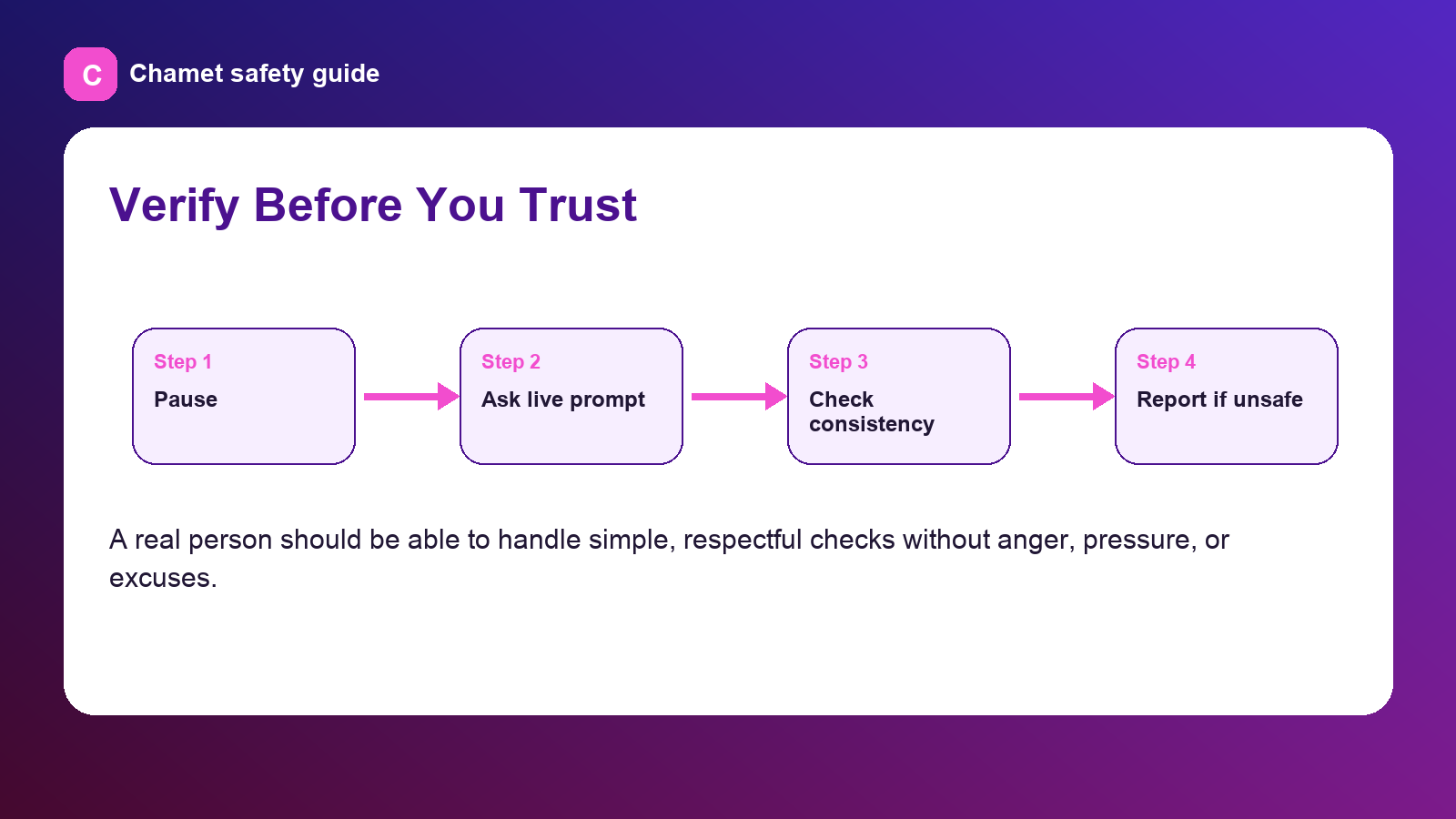
Use a short routine before you trust someone from video chat. First, keep the conversation on the platform until you understand their behavior. Second, ask a simple live prompt that does not reveal your private information. Third, compare the person's story across calls. Fourth, stop the conversation if money, crypto, gift cards, verification codes, or private photos come up.
The FBI recommends going slowly, asking questions, researching photos or profile details, and watching for people who seem too perfect or quickly ask you to leave the service. Those steps work well for video chat too because they slow the scammer's timeline.
Do not show your home address, ID documents, workplace, school, banking app, crypto wallet, travel itinerary, verification codes, or family member information. Also avoid showing background clues that reveal where you live or work.
Be careful with intimate images or recordings. Chamet's Community Safety page warns against non-consensual sharing of private content and describes privacy safeguards and reporting steps. A safer video chat habit is to keep calls respectful, avoid recording, and leave if someone asks for private content.
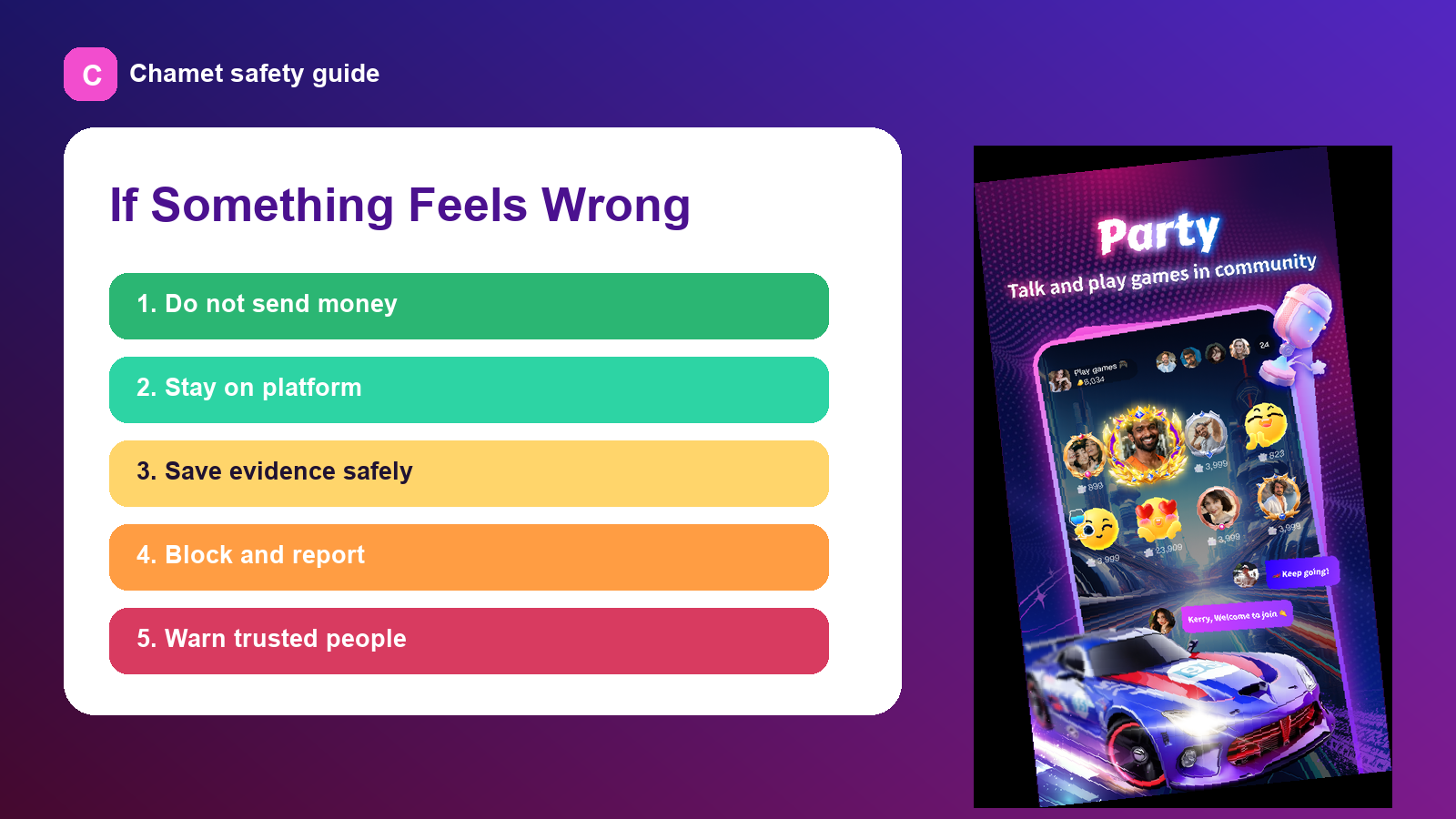
Stop before you confront. Confronting a scammer can make them pressure you harder or delete evidence. Save only what is safe to save, block the person, report the account to the platform, and talk to someone you trust.
If you sent money or financial details, contact your bank, card provider, payment app, or crypto platform immediately. The FTC recommends reporting scams to ReportFraud.ftc.gov and notifying the app or social network where you met the person.
A safer platform cannot replace personal caution, but it can give you better tools. Look for visible report and block controls, real-person verification language, moderation, safety pages, and clear rules against fraud or impersonation.
Chamet's Help Center says its matching focuses on authenticity through mandatory host verification and real-time translation, and its safety page advises users to keep conversations on Chamet, reject off-app transfers, protect personal information, and report suspicious activity. Start with Safe Video Chat | Chamet, review Chamet - video chat, free video chat, or open Chamet Web App when you want a safety-led route for real people, privacy, and trust.
'%20stroke-width='2'%20stroke-linecap='round'%20stroke-linejoin='round'/%3e%3c/svg%3e)
Yes. A live call reduces some risk, but it does not prove identity by itself. People can use filters, old clips, partial camera angles, or excuses to avoid real-time verification.
The fastest red flag is pressure: pressure to leave the platform, send money, share private photos, reveal verification codes, or trust them before normal consistency appears.
Yes, but keep it respectful and simple. A normal live prompt, basic consistency questions, and staying on-platform are reasonable. Do not ask for sensitive documents or private information.
Stop contact, save relevant evidence safely, contact your bank or payment provider immediately, report the account to the platform, and file a report with the FTC or relevant local authority.
Join millions of users and meet your next best friend today.