How can I look good on camera in a dark room?
Place a lamp behind the phone, soften it against a wall if possible, and reduce bright light behind you. Avoid relying on the screen as the only light.

 Chamet
You do not need a ring light or a new phone to look good on camera. The biggest improvements come from four variables you already control: light direction, lens height, distance and background. Fix them in that order.
The easiest phone camera lighting is a window in front of you. Face the window at a slight angle so the light reaches both eyes. Avoid sitting with the bright window behind you; the phone may darken your face to protect the background.
At night, place a lamp behind the phone and slightly above eye level. Diffuse harsh light by bouncing it off a pale wall. Strong light directly overhead creates eye shadows, while a screen in a dark room can give the face an unnatural color.
Apple and Google both provide device-level lighting or portrait tools on supported hardware, but software works best after the physical video call setup is already reasonable.
A low camera angle exaggerates the chin and ceiling. Prop the phone on stable books or a stand until the lens is level with your eyes. Then tilt it only slightly, keeping vertical lines in the room upright.
Look at the lens when greeting the other person. Looking at their face on the screen is natural during the conversation; brief lens contact creates the feeling of eye contact without forcing it constantly.
1v1 Video Chat with Real People | Chamet offers a mobile-first place to test a direct call after adjusting the frame.
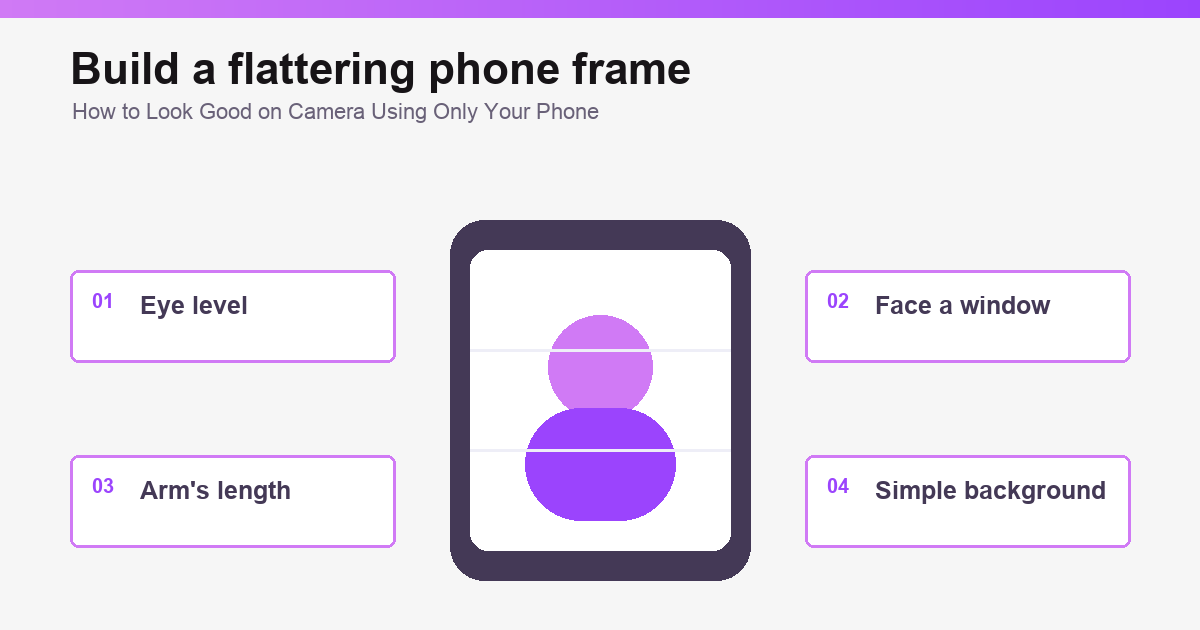
Hold or place the phone roughly an arm’s length away. A very close wide-angle selfie lens can distort the center of the face. Step back slightly and crop with placement rather than heavy digital zoom.
Frame from the upper chest to a little above the head. Leave enough room to move without falling out of view. This camera angle also keeps hand gestures visible.
Fingerprints soften contrast and make every light source bloom. Wipe the front lens with a clean microfiber cloth. Rest the phone on something stable instead of holding it for a long call; camera shake makes the other person work harder to focus.
A stable video call setup also improves comfort because you can sit naturally and keep both hands free.
Simple does not mean blank. A tidy wall, plant or shelf adds depth without competing with the face. Remove mail, badges, identity documents, street views and anything that reveals a home or workplace location.
Portrait blur can reduce distraction on supported devices, but inspect the edges around hair and hands. The best way to look good on camera is still a clean real background with some distance behind you.
Choose a top that separates you from the background. Small high-contrast patterns can shimmer on video, so solid colors are usually calmer. If your skin looks too warm or cool, change the nearby light source before adding a beauty filter.
Balanced phone camera lighting should make you recognizable, not transform your features.
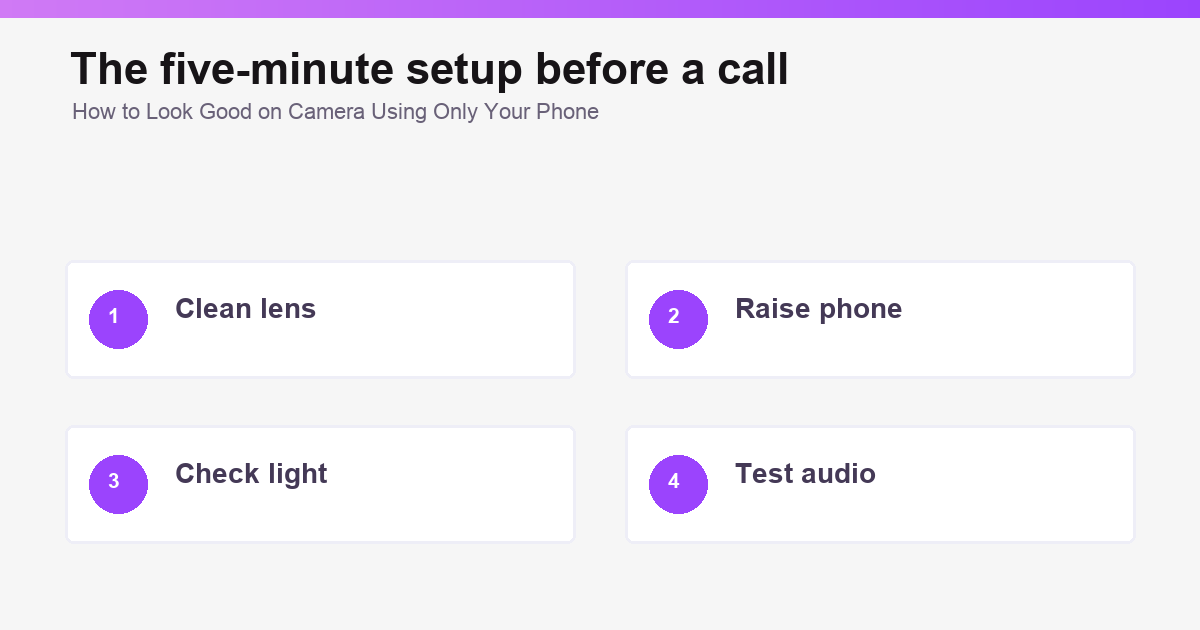
Open the front camera or call preview. Check the lens, light, camera angle, background and microphone. Say one sentence at normal volume. Close other apps if the phone becomes warm or the preview stutters.
This short preview is often enough to look good on camera without changing your face, buying equipment or adding a heavy filter.
Chamet: 1v1 Video Chat & Live Video Call App - Make Chat Borderless supports video calls, live content and social rooms. The same setup principles apply whether you are talking privately or appearing in a group.
Relax your shoulders, sit forward enough to show attention and let your expression move naturally. Trying to hold one “good” face makes a call look less comfortable. To look good on camera, aim for clear, well-lit and present rather than flawless.
Open Chamet: Live Video Chat & 1v1 Calls with Strangers when your video call setup is ready. Natural phone camera lighting and stable framing usually matter more than effects.
'%20stroke-width='2'%20stroke-linecap='round'%20stroke-linejoin='round'/%3e%3c/svg%3e)
Place a lamp behind the phone, soften it against a wall if possible, and reduce bright light behind you. Avoid relying on the screen as the only light.
The best camera angle is usually close to eye level, at about arm’s length, with the upper chest and head visible.
The front camera is easier for conversation because you can see the other person and your framing. The rear camera may offer higher quality but is harder to monitor.
Filters can change appearance, but they cannot repair poor light, shake or weak connection. Fix the physical setup first and use effects lightly.
Join millions of users and meet your next best friend today.